Robin

 schellingerhout

Game developer

Trouble in Terrorist City

Multiplayer shooter

Networked rounds, roles and animation in a standalone Unity shooter.

Unity, 3D
W.I.P.

World Generator

C++ project

Editable voxel chunks, procedural meshes and player-centred loading in C++.

Unreal, 3D
W.I.P.

Operation StarFall

2D metroidvania · Couch co-op

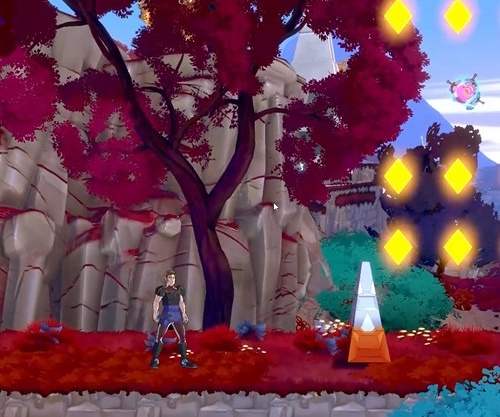
Co-op camera systems, quest tools and modular gameplay during my internship.

Unity, 2D
Game as a service.

Ocean's Deep

Puzzle adventure

An underwater puzzle adventure with HDRP environments and a water system.

Unity, 3D
02/2018

Museum VR

VR puzzle game

VR puzzles and self-made models in a two-week museum-heist prototype.

Unity, 3D
02/2023

Ticking Time Climb

Vertical endless runner

Custom camera, animation and procedural climbing built with Processing.

Processing, 2D
02/2022

Organic Shader

Living shader

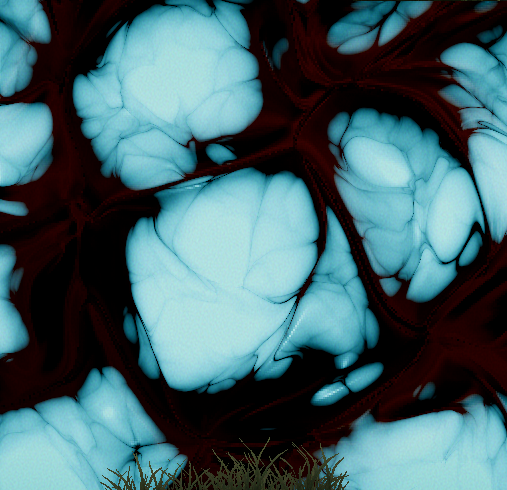
An organic material extended with normal-map surface detail.

Unity, 3D
04/2023

Game Launcher

Launcher & downloader

Download, update and launch tooling built with C# and .NET.

.NET, C#
02/2022

Star Wars

Vertical slice

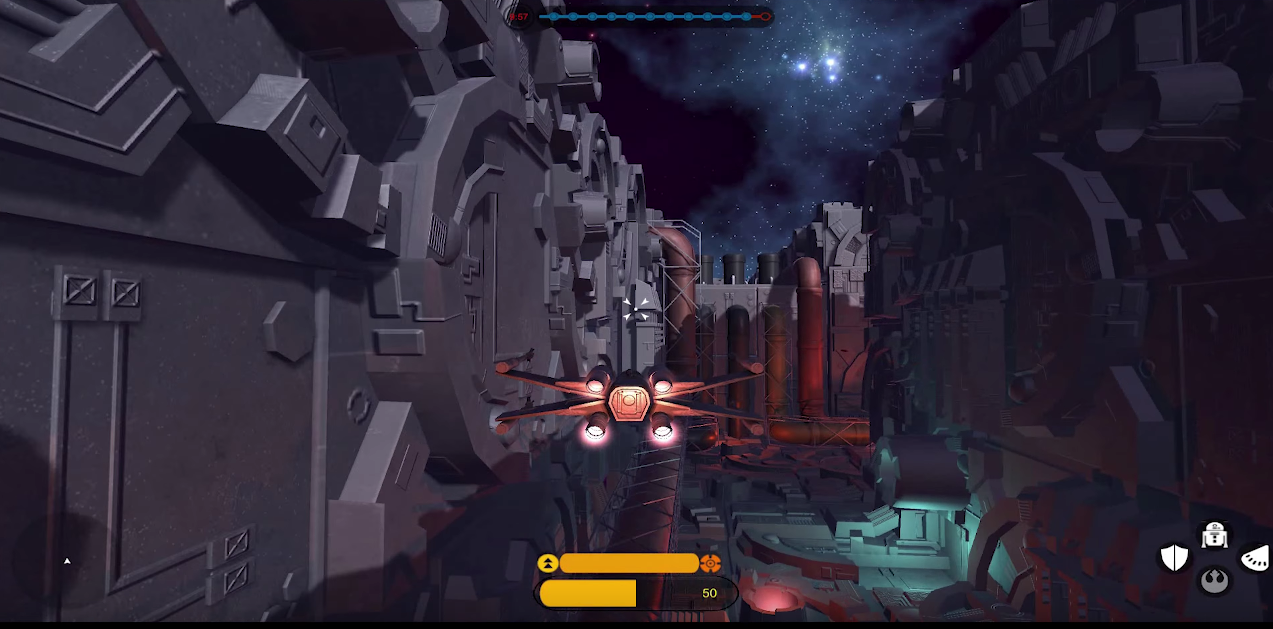
A two-week team prototype translating reference footage into X-wing flight.

Unity, 3D
02/2018

Freqy

Endless runner

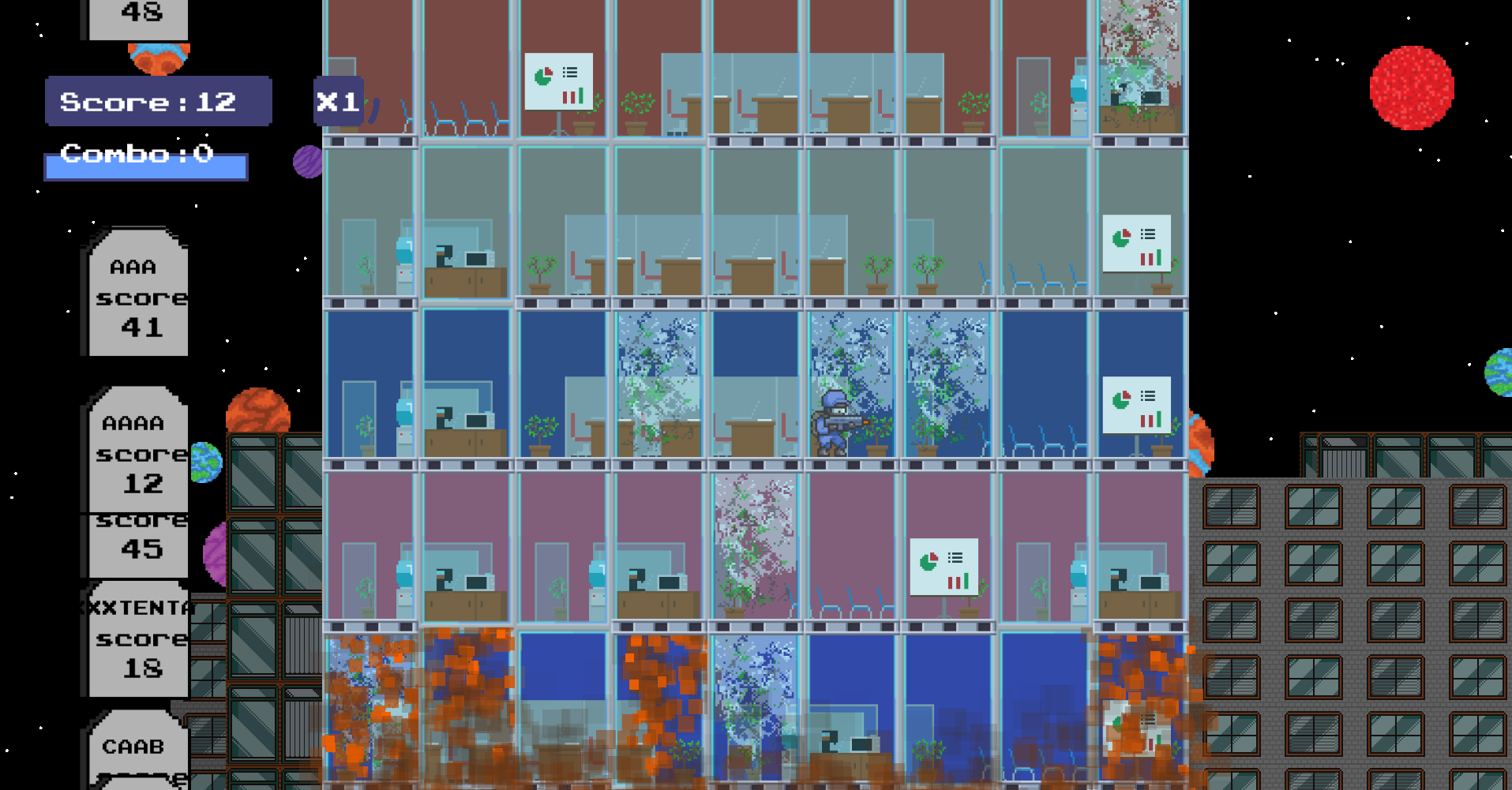
Music-driven level generation: a chosen song shapes the runner’s route.

Unity, 3D/2D, endless runner, music
02/2018

Meet me

Hi, I'm Robin.

Game developer.
Driven by curiosity.

I'm a game developer from Nieuw-Vennep. Most recently, I worked full-time at Games by Hyper in Utrecht. I enjoy building gameplay systems, solving technical problems and working with a team to turn ideas into something people can play.

Experience & background
  • Games by Hyper Game Developer · Full-time –
  • Mediacollege Amsterdam Assistant Teacher · Part-time –
  • Hogeschool van Amsterdam Student Mentor · Part-time –
  • XR lab Development Intern –

Alongside development, I've worked as an assistant teacher and helped first-year students find their feet at university. Sharing knowledge is a part of the work I enjoy.

What I enjoy building

I like the work behind the experience: gameplay systems, useful tools and code that keeps a game running smoothly. My projects range from multiplayer mechanics and editor tools in Unity and C# to procedural worlds in Unreal Engine and C++.

Seeing someone enjoy a game I've built is what makes it worthwhile. Showing a VR project at an event and watching people react to it is a moment that has stayed with me.

Outside of code

Outside of development, you'll usually find me playing multiplayer games, taking photos in nature or at the gym.

  • Multiplayer games
  • Photography
  • The gym
Download my CV

Get in touch

Contact me.

A project, an idea,
or just a hello.

I'd love to hear from you. Send me an email or connect with me on LinkedIn.

Operation StarFall

Gameplay systems behind a co-op metroidvania.

During my internship at NeoN Origins, I worked on Operation StarFall, a 2D metroidvania built in Unity with couch co-op.

Gameplay systems & designer tools

The work presented here connects co-op camera behaviour, a decaying bridge, quest editing and modular components. It covers both what the player experiences and how the team builds that experience.

  • Unity / C#
  • Gameplay systems
  • Editor tools
Overview

A closer look at the game and the tools behind it.

During my internship at NeoN Origins, I worked on Operation StarFall, a 2D metroidvania with couch co-op, built in Unity.

The following chapters cover its modular camera, a decaying bridge, quest editing tools and a component stack.

New Camera System

One camera system, different players and situations.

Collecting the players

Camera Player Join registers new players. Target Collection keeps track of the targets the camera should follow, so its focus can move smoothly between them.
Following the action

Smart Camera can lock the X or Y axis and uses a weighted average to track players smoothly. Camera Data Switcher selects the behaviour needed for the current situation.

Matching the view

The Orthographic to Perspective Aligner positions the perspective camera along the Z-axis to match the orthographic zoom. This keeps the framing consistent when the view changes.

Giving rooms their own framing

Camera Triggers change settings when players enter designated trigger boxes. Hidden rooms and boss encounters can use their own camera perspectives.

Decaying Bridge

When the bridge disappears, its collision follows.

A shader gives the bridge its deteriorating appearance as players cross it. The collider changes in real time to match that visual decay.

The solid part of the bridge follows what players can still see, connecting the visual effect to the gameplay.

Quest System

Creating quests through a tool instead of searching through scripts.

Setting up a quest

The Quest Tool lets designers create new quests through an editor interface, without having to dive into the scripts for every setup.

Adjusting the details

The Quest Editor exposes quest parameters so designers can change variables directly and make immediate adjustments.

A clearer workflow

Keeping creation and editing together makes the quest workflow easier to follow and gives team members a shared place to manage the content.

Component Stack

Managing modular behaviour on a single GameObject.

Building with components

The Component Stack groups multiple components on one GameObject. Components can be added or removed dynamically to adjust gameplay behaviour.

Keeping the stack unique

Unique component checks prevent duplicate entries and the conflicts they could create.

Working in the Inspector

A custom editor presents the stack as a reorderable list, making its components easier to inspect and organise.

Changing behaviour at runtime

The system can switch between component behaviours during play, supporting different gameplay situations and interactions.

World Generator

From voxel data to an editable C++ world.

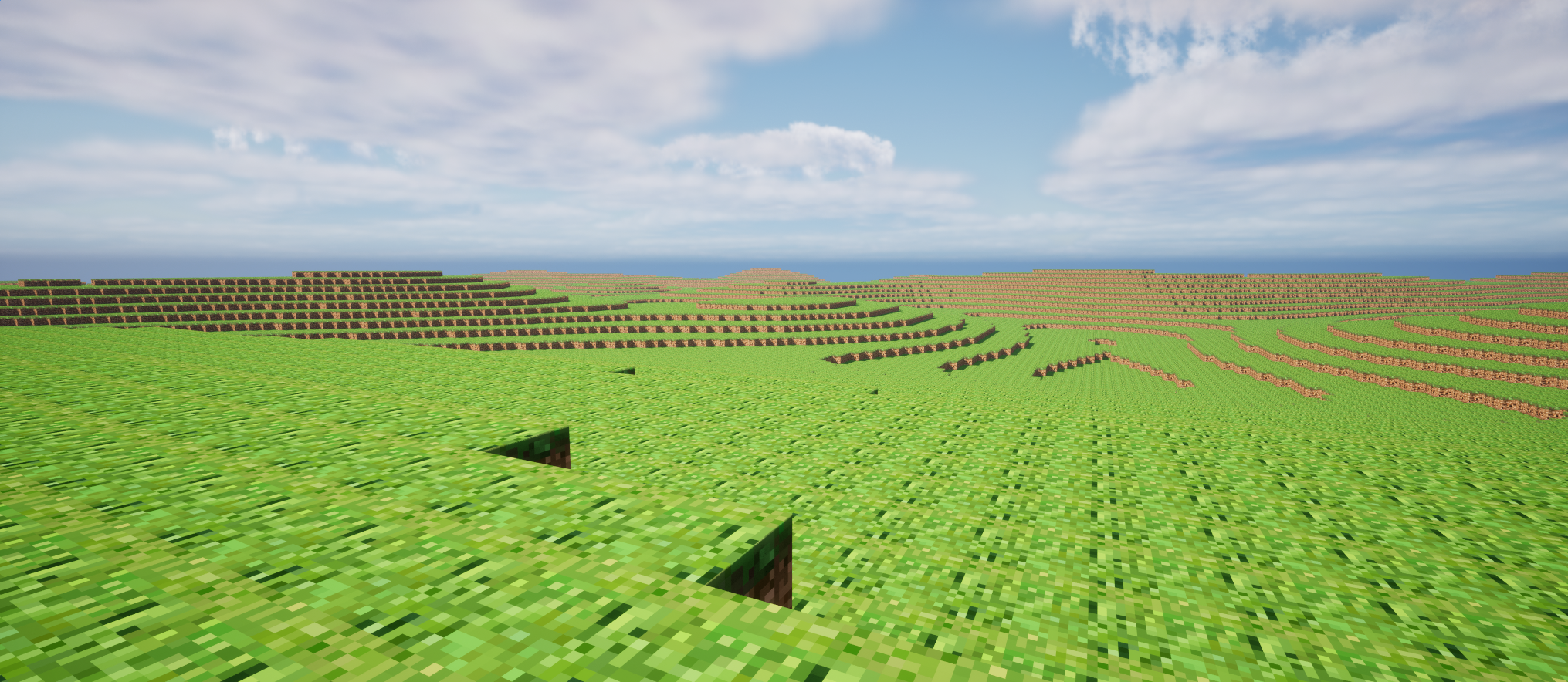
My first Unreal Engine and C++ project is a Minecraft-style voxel prototype. Terrain is stored in chunks, converted into procedural meshes and updated when the player changes a block.

Procedural geometry & engine programming

I used a voxel world to move beyond scene assembly: storing terrain as data, generating its visible geometry and rebuilding chunks when blocks change.

  • Unreal / C++
  • Procedural meshes
  • Voxel data
Overview

Starting with blocks and learning a new way to build.

I built this prototype to understand the path from terrain data to a playable world in Unreal Engine. Each chunk holds a voxel map and generates geometry for exposed block faces.

The project also covers texture-atlas UVs, block editing and a view area that follows the player. The following chapters explain the implementation and its current trade-offs.

Chunk Generation

Store the world as data. Build only the faces that can be seen.

Voxel data first

A chunk stores block IDs in a 3D map. Keeping that representation separate from the rendered mesh gives terrain generation and player edits a shared source of data.

Exposed faces only

The mesh builder checks neighbouring voxels before adding a face. Adjacent solid blocks therefore do not create hidden internal faces.

Geometry, texture and collision

Vertices, triangle indices and texture-atlas UVs become an Unreal procedural mesh section. Collision is created from that geometry.

How the mesh is built

Each chunk stores block IDs in a three-dimensional voxel map. For a solid block, the mesh builder checks all six neighbours and adds a face only when that neighbour is not solid. Hidden internal faces do not enter the mesh.

A visible face contributes four vertices and two triangles. UVs are calculated from the block’s texture-atlas tile. The resulting data is submitted to Unreal’s procedural mesh component with collision enabled.

Coordinates & Block Editing

Connect the player’s view to the terrain data.

World space to voxel space

Unreal positions are converted into block and chunk coordinates. The code accounts for 100-unit block spacing, while Z represents terrain height.

Selecting a block

The block placer steps along the camera direction until it finds a solid voxel, recording the hit position and the last empty position.

Changing the world

A block edit changes an ID in the voxel map and triggers a chunk rebuild. The same data drives both what the player sees and what the generated mesh collides with.

Follow a block edit through the code

The block placer samples points along the camera direction to find a solid voxel. It keeps both the selected block and the previous empty position, providing the positions needed for block interaction.

Changing a block updates its ID in the chunk’s voxel map, then rebuilds the chunk mesh. This prototype uses a full chunk rebuild; it does not yet make a local edit to only the affected faces.

Player-Centred Chunk Loading

Keep generation and visibility tied to where the player is.

Tracking the active area

The player’s current chunk determines the surrounding view area. The generator creates missing chunks and restores visible chunks as that area changes.

Separating the work

Creation, voxel modifications and mesh updates use separate pending collections. The tick loop processes them instead of putting every change into one generation call.

A deliberate prototype scope

Chunks outside the active area are hidden, with their data retained for revisiting. This keeps the implementation centred on chunk management within a bounded world.

What gets queued, and what stays loaded

When the player enters another chunk, the generator checks the surrounding view area. Missing chunk actors are created and queued for initialisation; existing hidden chunks can be shown again. Chunks outside the active area are hidden.

The tick loop processes pending chunk creation and updates. Hiding a chunk keeps its data in memory, so this is bounded, player-centred visibility rather than an infinite world with memory unloading.

Engineering Takeaways

Understand geometry, gameplay edits and the cost of updates.

Learning through a complete data path

Moving from Unity and C# to Unreal and C++ gave me a concrete problem to solve: coordinates, data structures, mesh construction and gameplay edits all had to work together.

Recognising the trade-offs

Full chunk rebuilds make the update path straightforward. Retaining hidden chunks makes revisiting terrain possible. Both choices leave specific performance and memory questions for the next iteration.

A concrete next iteration

The current code offers a clear place to measure and improve: compare chunk rebuild cost before and after a block edit, and track memory as the player visits more chunks.

Incremental mesh updates and a chunk-unloading policy would address different costs. They are proposed next steps, not performance results claimed by this prototype.

Organic Shader

A small material experiment with an organic feel.

I explored an organic, living shader in Unity, starting from a shader and code shared on Reddit.

Extending an existing material

My contribution was adding a normal map to an organic shader shared on Reddit. This is a focused material experiment, with the starting point and my addition kept clear.

  • Unity materials
  • Normal mapping
  • Shader iteration
Overview

Watching a surface feel alive.

A small Unity material experiment based on an organic, living shader and code shared on Reddit. I extended the original material with a normal map.

Development Information

A small shader experiment with one focused addition.

I started with an organic shader and code shared on Reddit, then added a normal map to extend the surface detail.

Star Wars

Turning a short reference into a playable X-wing slice.

We were given a few seconds of footage and asked to turn it into a small game. This vertical slice focuses on flying an X-wing.

Reference-driven prototyping

A two-week team assignment turned a few seconds of reference footage into a playable X-wing slice. Its scope centres on one experience, making the result easy to compare with the brief.

  • Unity / C#
  • Vertical slice
  • Two-week scope
Overview

A focused slice inspired by Star Wars Battlefront.

We were given a few seconds of Star Wars Battlefront 1 footage and asked to turn it into a small game. The resulting vertical slice focuses on flying an X-wing.

Development Information

Keeping a short project centred on one experience.

We turned a short reference from Star Wars Battlefront 1 into a playable vertical slice. With two weeks to build it, the project focused on one activity: flying an X-wing.

Ticking Time Climb

A window cleaner climbing through a burning building.

Ticking Time Climb is a vertical endless runner. You jump between platforms and avoid obstacles while working your way up a burning building.

Building game systems in Processing

The project brings a custom camera and animation system together with procedural climbing and reactive music. It shows how a game can be assembled without relying on a full game engine.

  • Processing
  • Procedural levels
  • Camera & animation
Overview

Keep climbing as the building burns around you.

You play as a window cleaner climbing a burning building. Jump between platforms and avoid obstacles as the procedural levels and difficulty curve shape the route upward.

Original artwork, animation and reactive music accompany the climb.

Development Information

Building the systems behind an endless climb.

Camera and animation

We built the game in Processing, including our own camera and animation systems.

Procedural climbing

Procedural levels, different obstacles and a difficulty curve shape the endless climb.

Art and audio

Our own artwork gives the game its look, while reactive music accompanies the action.

Game Launcher

One place to download, update and start my game.

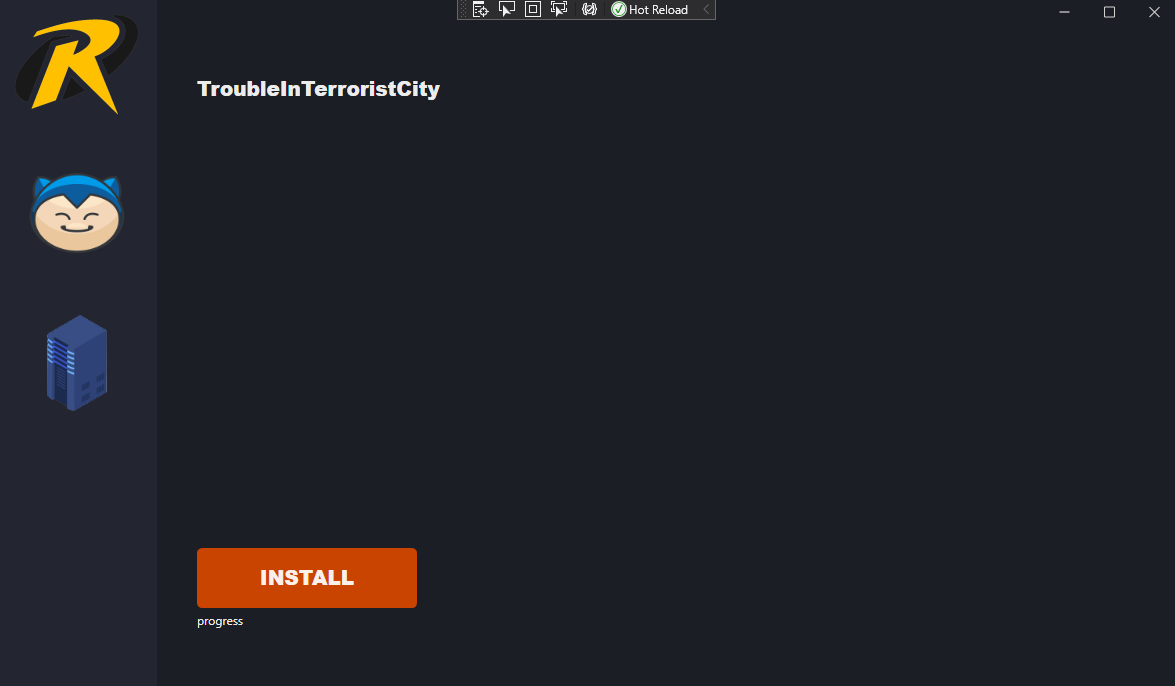
This launcher is a game hub for Trouble in Terrorist City, built with .NET and C#.

Tools around the player experience

I built a C# and .NET hub that takes the player from downloading the game to updating and launching it. Some game data can change independently of a new build.

  • C# / .NET
  • Download & update
  • Game tooling
Overview

Getting from the launcher into Trouble in Terrorist City.

Get the game

Players can download Trouble in Terrorist City through the launcher.

Keep it updated

The same application handles game updates, keeping downloading and updating in one place.

Start playing

Once the game is ready, players can start it from the launcher. The video demonstrates the application.

Development Information

Connecting installation, updates and launch in one application.

I built this .NET and C# application as a hub for my Trouble in Terrorist City project. It handles downloading, updating and starting the game.

Changes without a patch

Some data can be changed without patching the game, allowing updates to that data independently of a new game build.

Ocean's Deep

An underwater mystery with a route back to the surface.

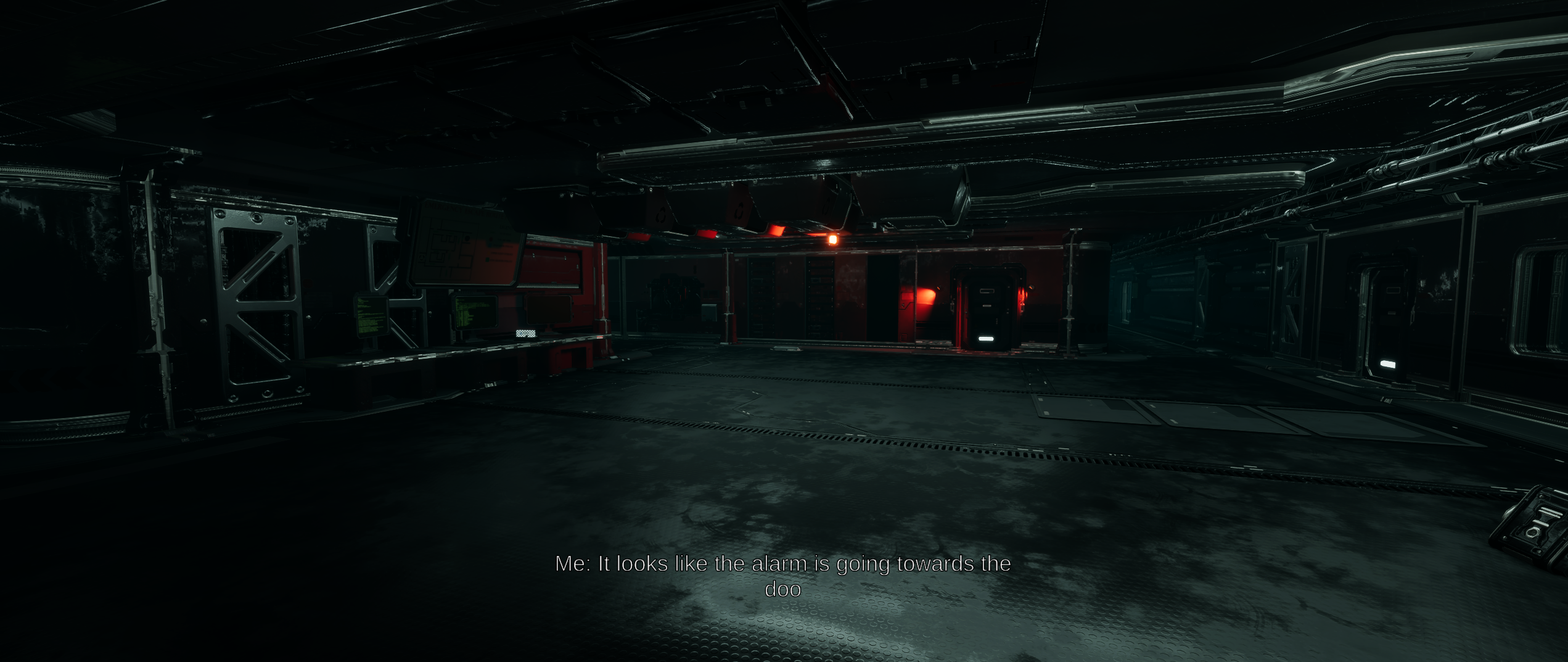
After a mysterious creature sinks your ship, you find an underwater laboratory. Solve its puzzles and discover a way back up.

A complete puzzle adventure

An underwater laboratory gives the puzzles, environment and water system a shared setting. The player has a clear goal: finding a route back to the surface.

  • Unity HDRP
  • Puzzle adventure
  • Water & environment
Overview

From a sinking ship to an underwater laboratory.

A mysterious creature attacks and sinks your ship. After escaping, you discover an underwater laboratory containing information about the creature.

Solve the laboratory’s puzzles to find a route back to the surface.

Development Information

An underwater adventure built with Unity HDRP.

Ocean’s Deep is a full puzzle adventure built in Unity HDRP. A water system supports its underwater setting, while the puzzles guide the player through the laboratory and back toward the surface.

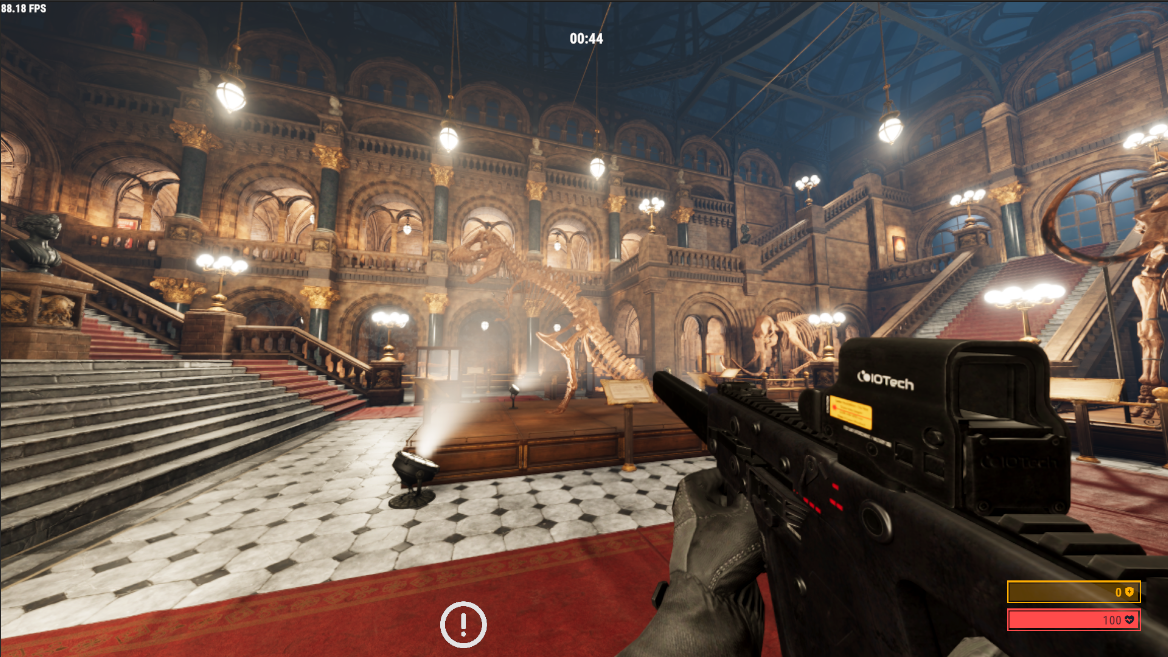
Museum VR

A small VR museum heist, built in two weeks.

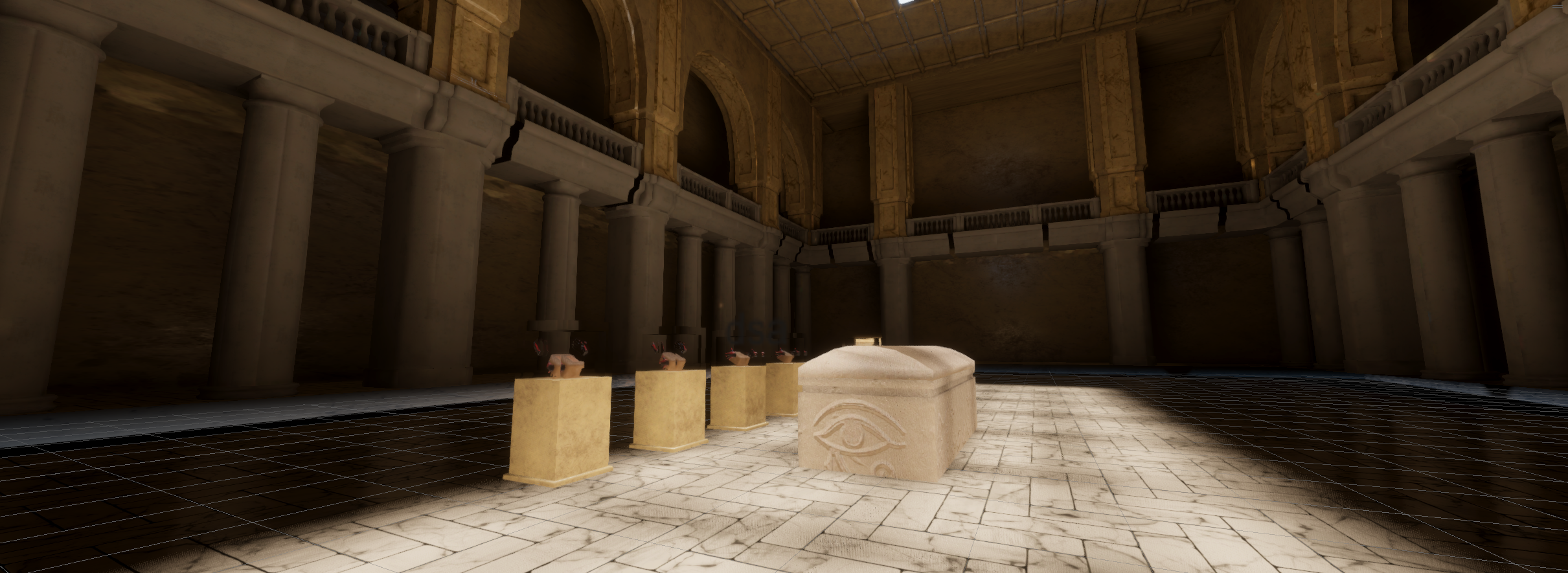
Museum VR is a short prototype about stealing museum pieces, with puzzle elements made for VR.

A focused VR prototype

This two-week museum-heist prototype combines VR puzzles with self-made models. The short scope keeps the project centred on interaction and the space the player explores.

  • Unity HDRP
  • VR puzzles
  • Self-made models
Overview

Exploring a museum through a VR puzzle prototype.

A small VR prototype about stealing museum pieces, built in two weeks. VR puzzles, self-made models and HDRP rendering form the experience.

Development Information

Two weeks, VR puzzles and self-made models.

Museum VR was built as a two-week prototype, focused on VR puzzles and a museum heist. All models were self-made, with Unity HDRP used for rendering.

Freqy

Choose a song and let it shape the level.

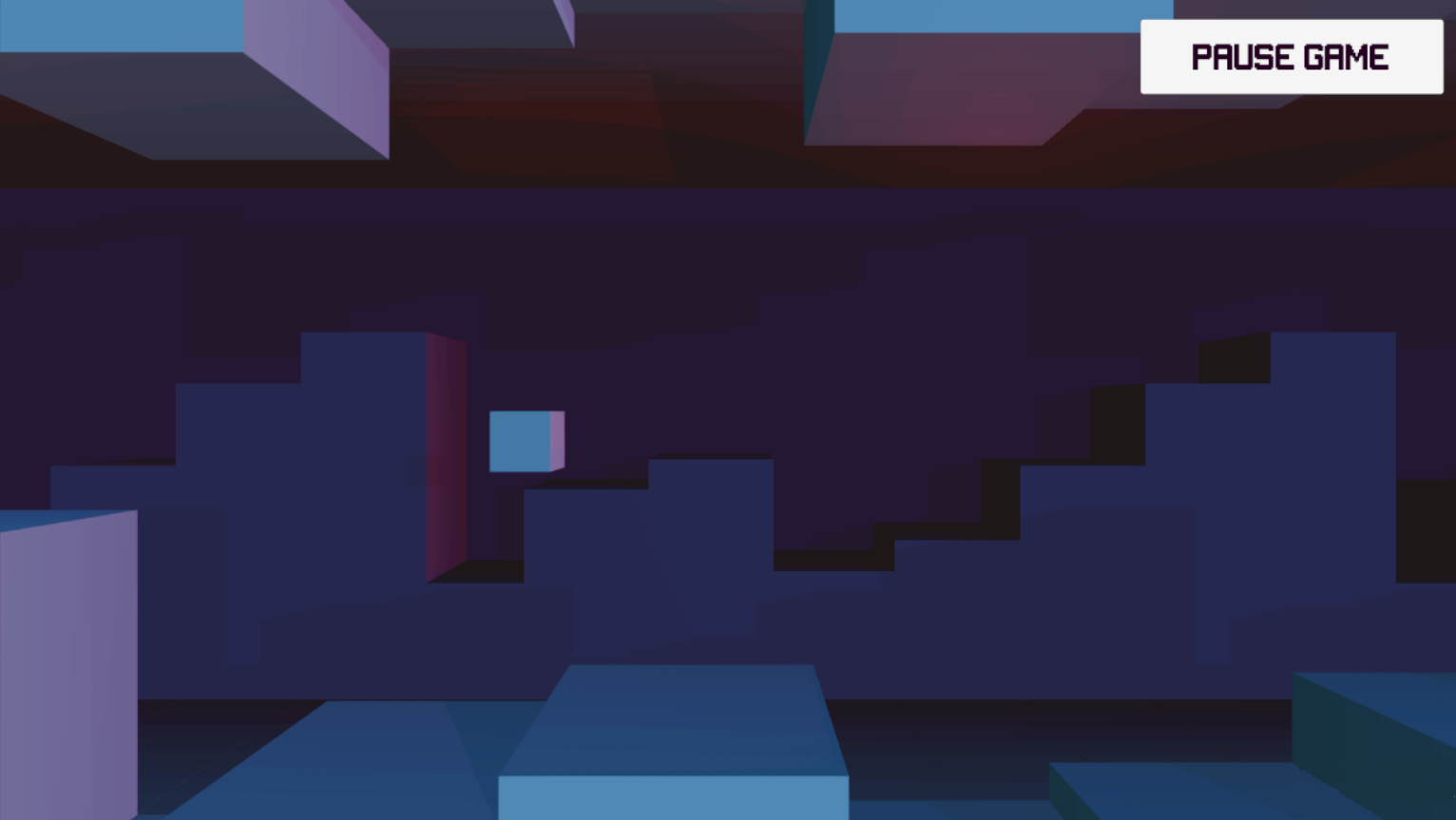
Freqy is an endless runner that uses music to generate a level. The song you select determines how the route looks.

Turning music into a playable route

The selected song is more than a soundtrack: it provides the input for level generation. That connection between player choice and the runner’s route is the core of the experiment.

  • Unity / C#
  • Music-driven generation
  • Endless runner
Overview

An endless runner with music at its starting point.

Freqy is an endless runner that uses music to generate its level. Choose a song, then play the route shaped by that music.

Development Information

Song selection and generation at the heart of the runner.

The selected song is the input for Freqy’s level generation. Built in Unity with C#, the game connects that music to the route the player runs through.

  • Song selection
  • Music-driven level generation
Trouble in Terrorist City

A standalone shooter built around trust and deception.

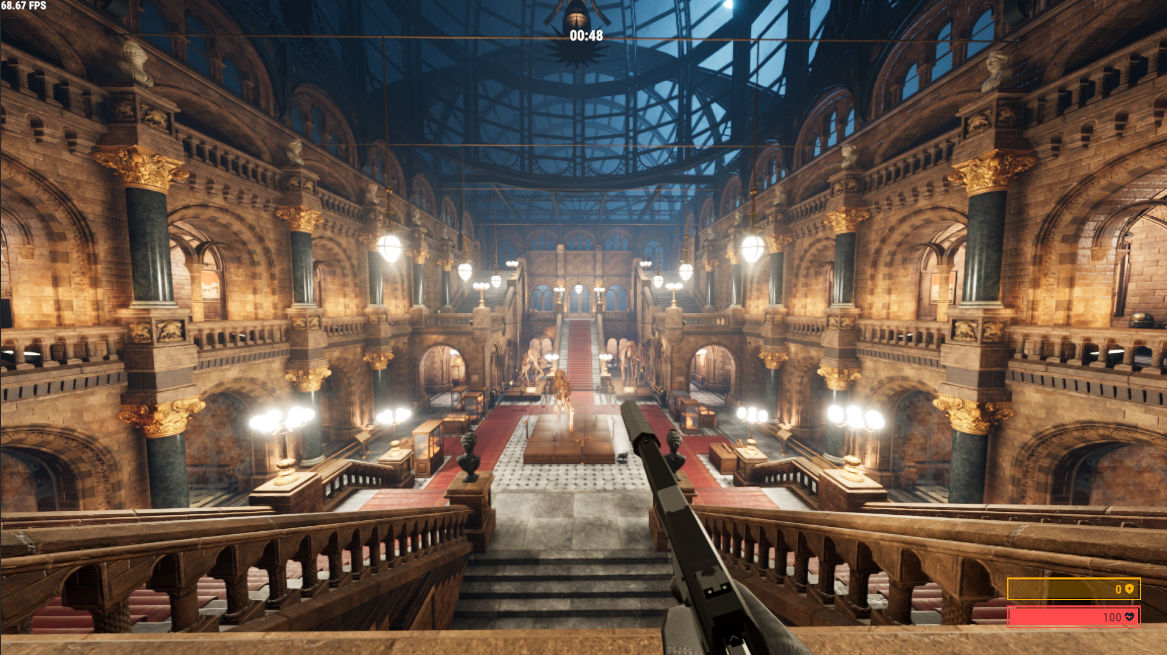
Inspired by Trouble in Terrorist Town in Garry’s Mod, I wanted to build a standalone game to play with friends, with modern visuals and my own take on the experience.

Multiplayer gameplay & system integration

My solo project brings a round-based game together with networked roles, player state and interactions. The technical breakdown links directly to the gameplay code, alongside the FPS and animation frameworks it builds on.

  • Unity / C#
  • Unity Netcode
  • Gameplay integration
Overview

Everyone has a weapon. Not everyone can be trusted.

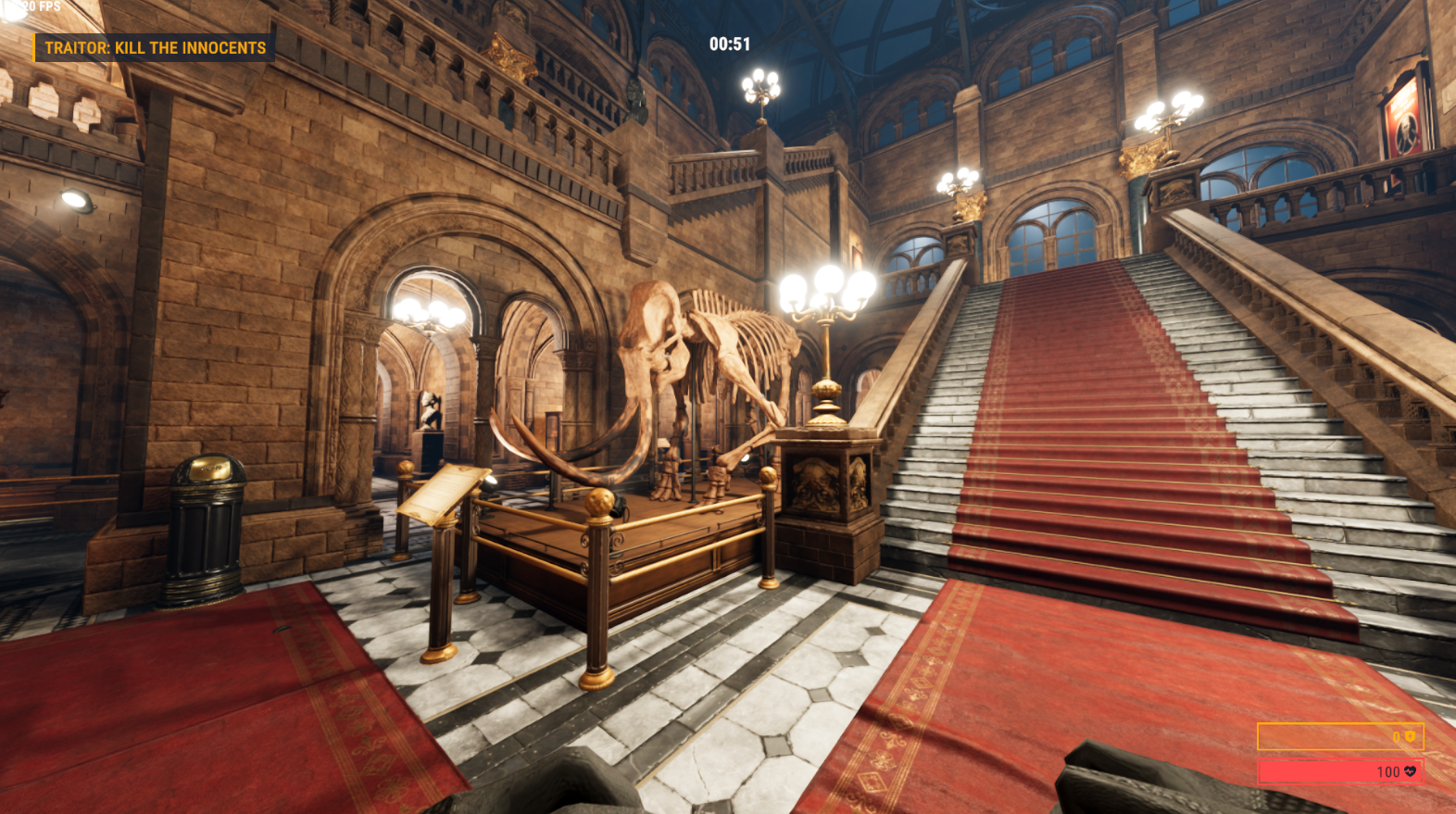
Trouble in Terrorist City is my standalone multiplayer take on Trouble in Terrorist Town. Players share a shooter space while trying to work out who they can trust.

The implementation presented here focuses on the match lifecycle, Innocent and Traitor role messages, shared interactions and networked animation. The project combines my gameplay integration with existing FPS, animation and environment assets.

Key Features & Mechanics

Connect the rules of the round to what each player sees.

A complete round lifecycle

Preparation, role selection, player deaths, win checks and a reset connect the individual mechanics into a repeatable match.

Roles delivered to the right players

The role handler targets separate client groups with their Innocent or Traitor role messages. This is a concrete networking problem behind the game’s hidden-role design.

Readable remote characters

The owning player publishes animation data; remote players use it to drive their character animation. The integration builds on Kinemation’s animation framework.

Interactions in a shared world

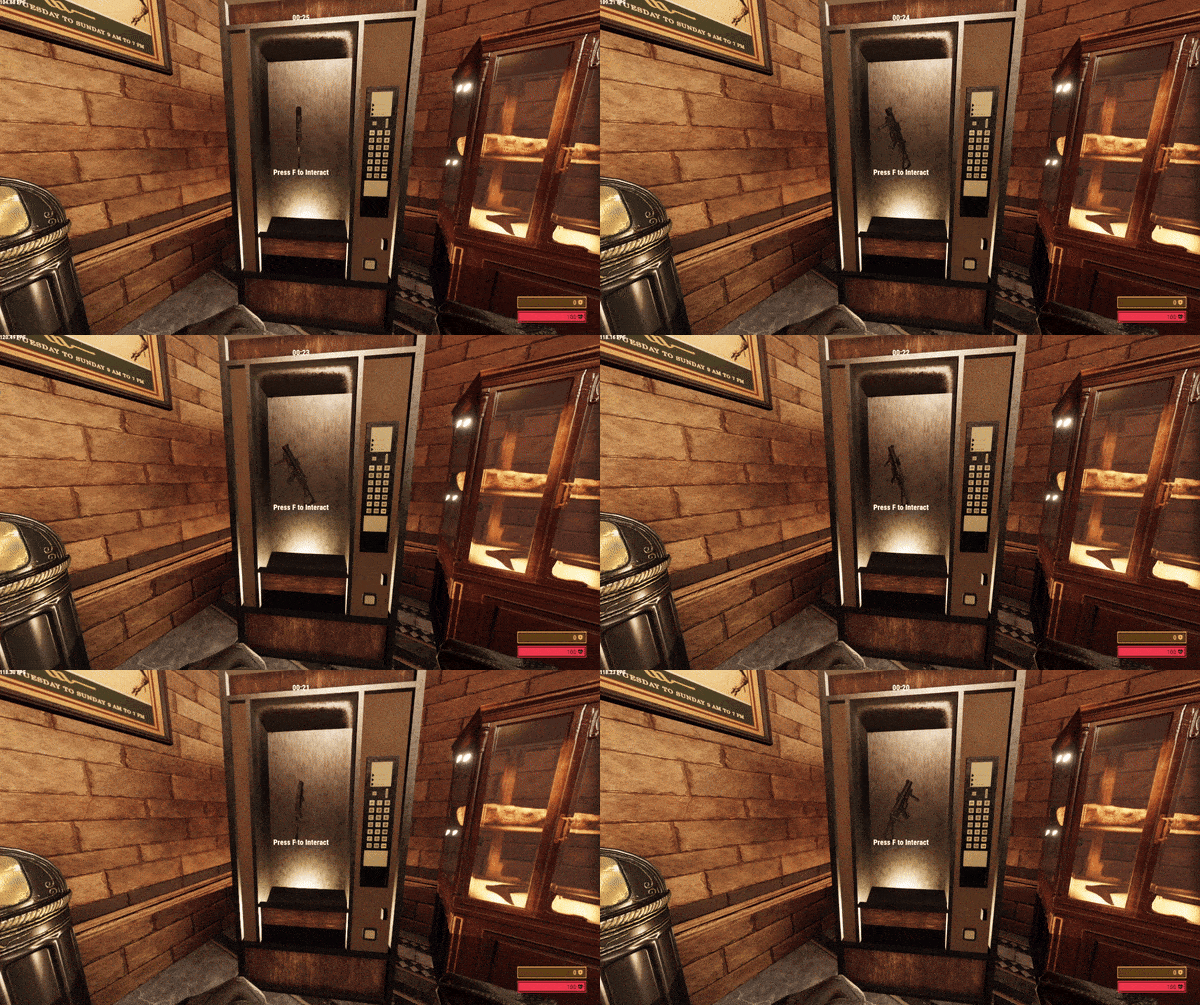
The vending machine sends its item changes through client RPCs. Picking up its current item removes it for the other clients too.

Inspect the multiplayer implementation

The round controller handles preparation, role selection, deaths, win checks and resetting players, weapons and the level. The role handler sends targeted client RPCs separately to the Innocent and Traitor groups.

Animation integration has a separate concern: the owner writes character animation data to a network variable, while remote players read that data and feed it into the Kinemation animation system. My work here connects that existing framework to the networked player.

The vending-machine wrapper broadcasts item selection and removal, so a pickup can change the shared scene for other clients.

Development Information

From a game I loved to a multiplayer game of my own.

Why I built it

I loved playing Trouble in Terrorist Town in Garry's Mod. I wanted to build a standalone version I could play with friends, with more modern visuals and my own take on the experience.

Making players readable

Character animations were one of the main challenges. In a game built around deception, players need to recognise when someone is aiming at them. Getting that visual information right mattered to the gameplay.

Bringing it together

Alongside the animations and visuals, I tackled the complexity of multiplayer GameObjects. Bringing those parts together got the project into a playable state.

What comes next

The game is playable, and development is ongoing. I'm considering a fresh version using what I've learned, including exploring ECS and Netcode for Entities.

A closer look at my technical work

The code separates the match lifecycle from the messages that deliver roles. It also uses network object IDs when relaying damage and keeps remote character animation state in step with the owning player.

The next iteration would examine who can change gameplay state, which information each client receives and how interactions behave under latency. Those questions connect the current prototype to the requirements of a more robust multiplayer game.